 Mandarin Mosaic
Free on iPhone, iPad and Android.
Download on theApp Store Get it onGoogle PlayYour first month of Premium is free.
10 Best Flashcard Templates for Learning Chinese in 2026

You've probably done this already. You find a new Mandarin word, open a blank card template, paste the hanzi, add pinyin, add an English gloss, maybe add colour-coding for tones, then realise you still need an example sentence, audio, and a review plan. Twenty minutes later, you've built one neat card and done almost no actual studying.
That's the core problem with most flashcard-template workflows for Chinese. They treat formatting as the task, when the actual task is learning words in context and seeing them often enough to stick. Mandarin punishes isolated study fast. A word that feels clear on its own often becomes slippery once it appears inside a sentence pattern, next to a particle, or with a different collocation.
That's why sentence mining works better for many learners. Instead of memorising disconnected items, you capture short, useful Chinese sentences with one unknown piece, then review them until the pattern feels natural. Good flashcard templates can support that. Great systems reduce the manual work so you can keep mining and reviewing without friction.
Flashcards remain popular for a good reason: retrieval practice. Pulling a word or sentence out of memory strengthens it far more than rereading it, and Chinese study depends on repeated active recall of vocabulary, meanings and sentence patterns. The question is which template or tool makes that recall easiest to keep up.
1. Canva
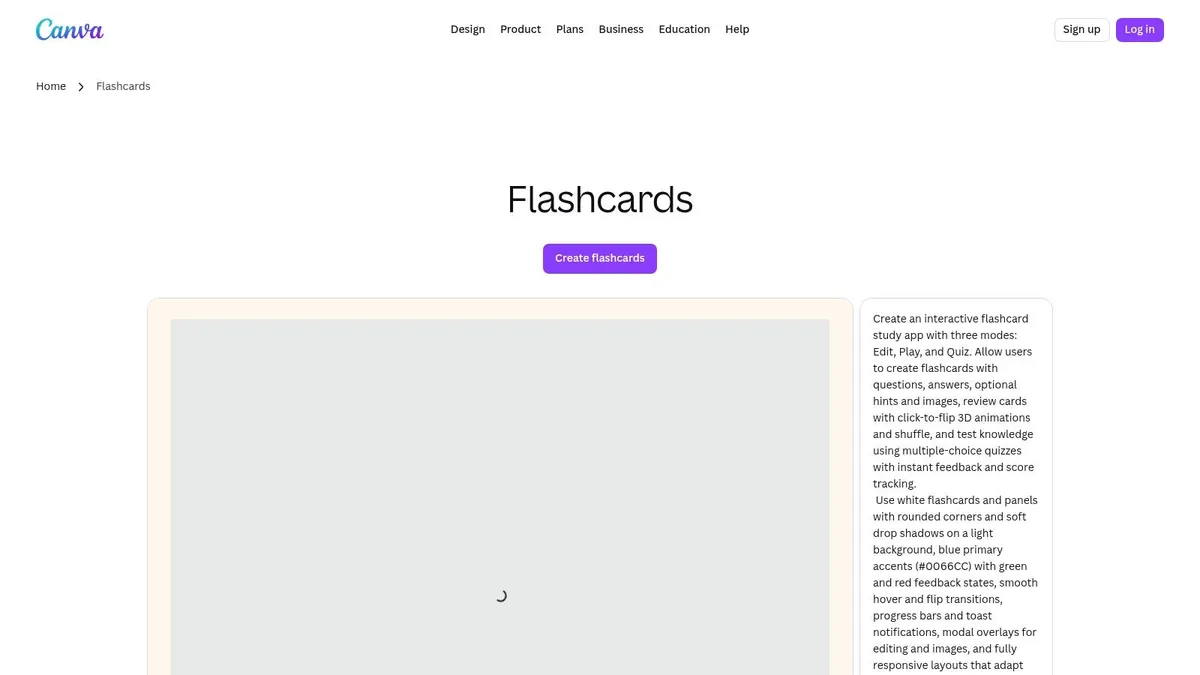
Canva is the easiest option when you want your Mandarin flashcards to look clean fast. If you're building printable sentence cards with hanzi on one side and pinyin, translation, and a note on the back, Canva gets you there with less fuss than Word or Slides.
For Chinese, that visual control is useful. You can make the hanzi large, keep pinyin smaller so it doesn't dominate, and use colour carefully for grammar cues instead of decorating everything. That matters more than people think, especially if you're printing cards for intensive review rather than posting pretty notes online.
Best use for Mandarin
Canva works best for static sets. Think travel phrases, textbook chapter review, classifier drills, or mined sentences from a graded reader that you want to print and carry.
- Strong point: You get lots of layouts quickly, which helps if you want one consistent card format for sentence mining.
- Weak point: Canva doesn't schedule reviews, so it solves design, not retention.
- Good fit: Learners who want polished printables, tutors making handouts, or anyone creating bilingual sentence decks for offline use.
Practical rule: If you're spending more time choosing colours than choosing better example sentences, Canva has become a distraction.
Canva also suits learners who like sharing resources with classmates or teachers. Exporting to PDF is simple, and the card layouts stay more predictable than ad hoc documents. If you want ideas for automating more of the card-creation side, our round-up of the best flashcard apps is a useful next read.
Canva has a free plan, with Canva Pro unlocking premium templates and elements. Use it when appearance and print consistency matter. Skip it if you need built-in spaced repetition.
2. Flippity
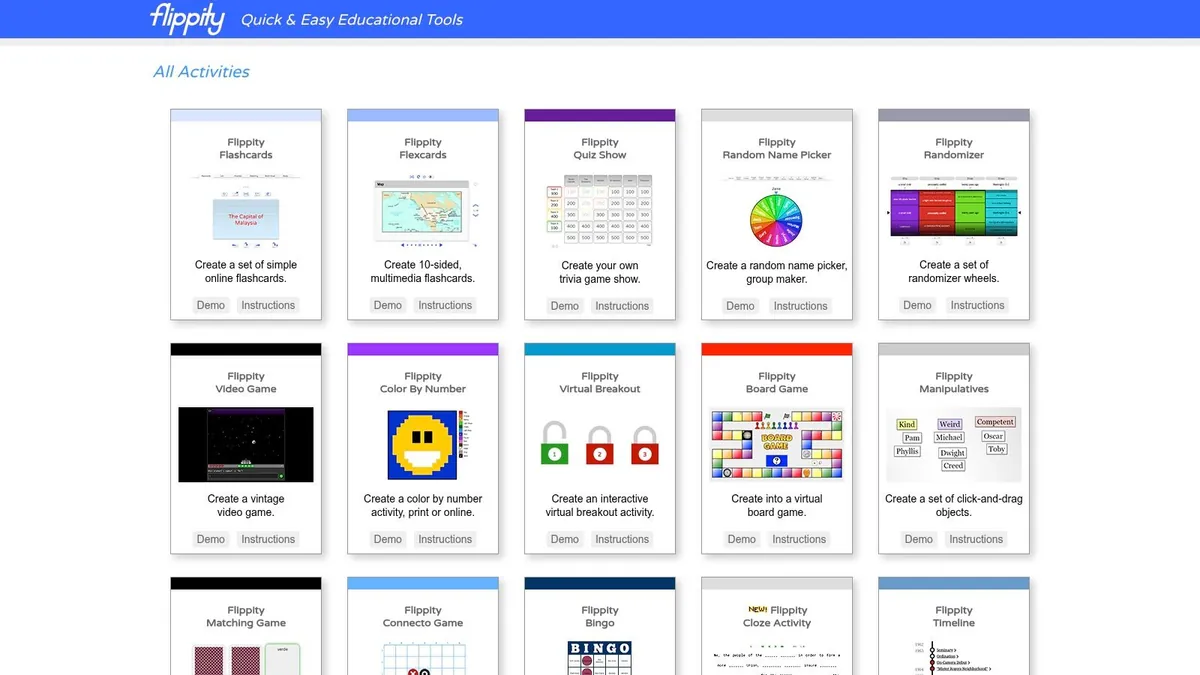
Flippity is much better than it looks at first glance. If your Mandarin study already lives in spreadsheets, and a lot of sentence miners eventually end up there, Flippity gives you a quick path from raw data to usable web flashcards.
Its real advantage is structure. You can keep one row per sentence, then split fields into hanzi, pinyin, gloss, grammar note, source, and audio link. That's a solid way to manage mined material before you decide what deserves long-term review.
Where it fits in a sentence-mining workflow
Flippity is good in the middle of the process. You collect sentences in Google Sheets, clean them up, then publish them into simple study modes without rebuilding everything in a separate design tool.
For Mandarin, I'd use it like this:
- Front field: Full sentence in hanzi with one unknown word highlighted manually.
- Back field: Pinyin only where needed, plus a short natural translation.
- Extra fields: Source episode, grammar tag, audio URL, and note on register.
That setup keeps your cards contextual and searchable. It also prevents the common mistake of stuffing too much explanation onto every card. Flippity isn't a full SRS system, but it's excellent for turning a spreadsheet corpus into something reviewable right away.
Flippity is free and needs only a Google account. Choose it if your bottleneck is organisation. Don't choose it if you want an all-in-one Chinese SRS app.
3. Wordwall
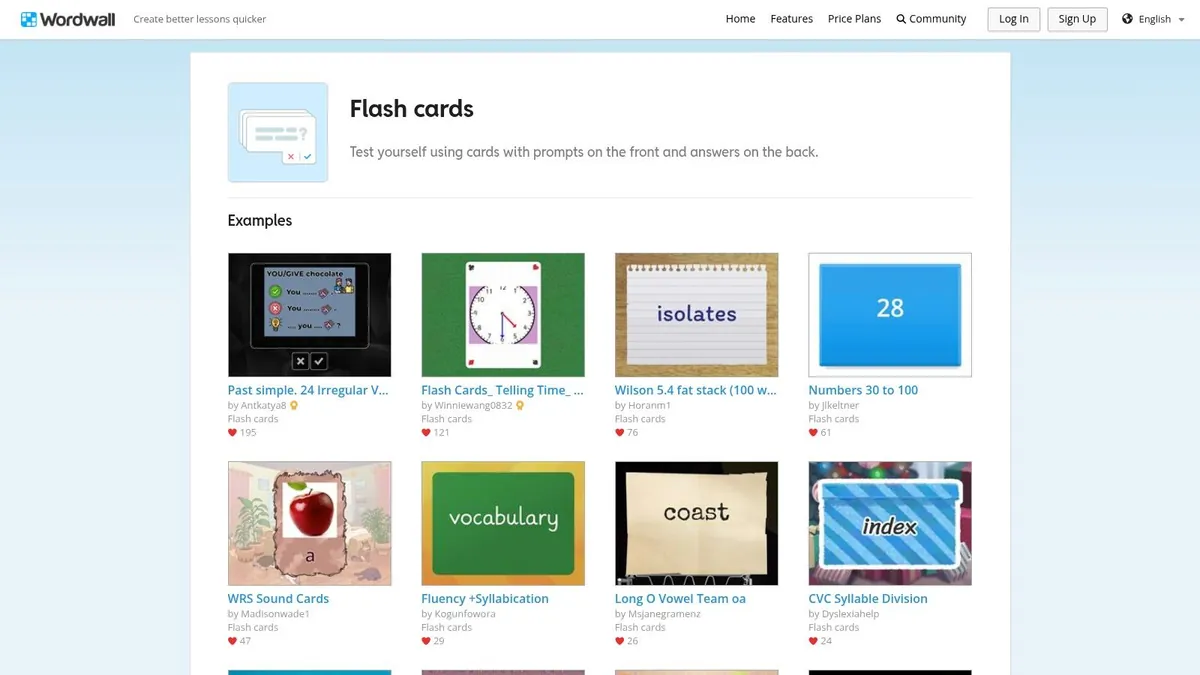
Wordwall is more classroom-oriented than most solo learners need, but it has one big advantage. You can reuse the same Mandarin content across several activity types without re-entering it.
That matters if you teach, tutor, homeschool, or study with a partner. A sentence set about 把 (bǎ) constructions can start as flash cards, then become a matching task or another review format. For Chinese, varied exposure can help when a structure feels familiar in recognition but still won't come out in speech.
Best for tutors and mixed review
This isn't my first pick for pure sentence mining, but it is useful when a deck needs more than one mode. A beginner who keeps confusing measure words may benefit from seeing the same content in different interactions instead of only flipping card fronts and backs.
Don't force every Chinese study set into flashcards. Some content is better as sorting, matching, or guided recall.
The free Basic plan only lets you create a handful of activities; the paid Standard and Pro plans remove that limit and let you print activities, which helps in classrooms or at home when screens aren't practical.
Its limits are clear, though. You won't get the kind of sentence-level SRS workflow that serious Mandarin learners usually need for long-term retention. Think of Wordwall as a repurposing tool, not your core memory system.
4. Twinkl
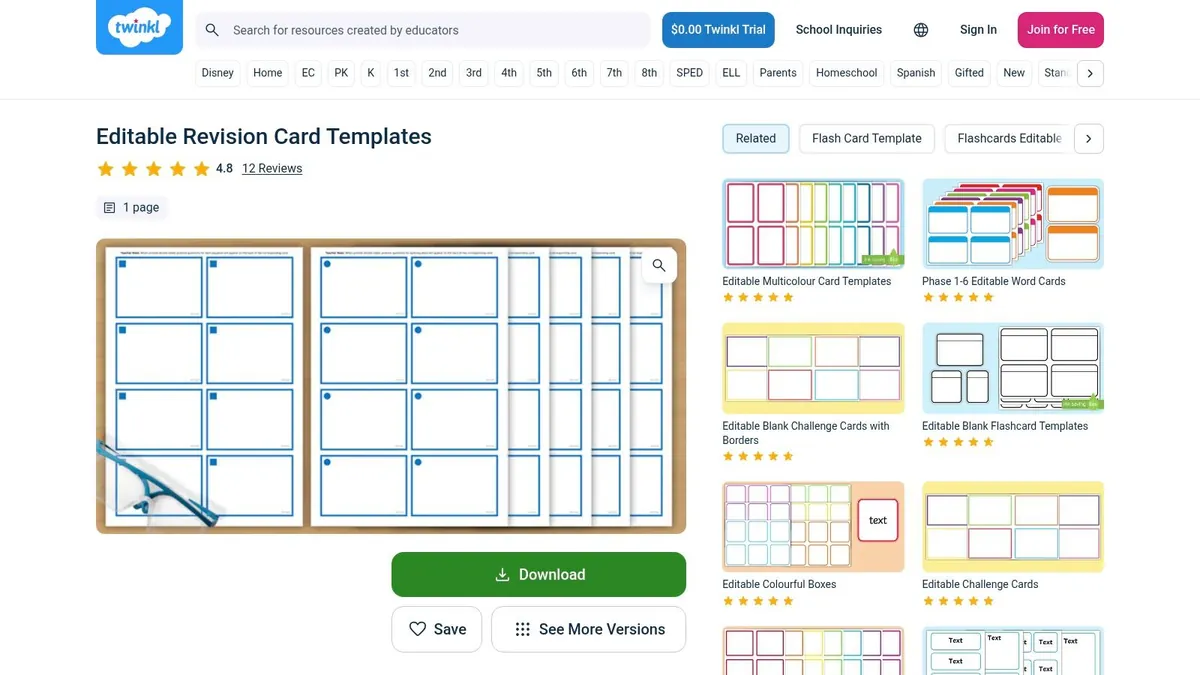
Twinkl makes sense if you're in the UK and want dependable printable resources without wrestling with formatting. It feels teacher-first, and that's both the strength and the limitation.
For Mandarin, Twinkl is best when you need simple beginner materials. Character cards, topic vocabulary, picture prompts, or classroom phrase sets are all reasonable uses. If you're deep into sentence mining from dramas, podcasts, or native reading, it's less compelling.
Why UK learners may still like it
Twinkl's templates are practical rather than elegant. That's good. Chinese flashcards don't need to be decorative. They need clear typography, enough space for hanzi, and layouts that print without breaking.
A bigger issue is accessibility, which most flashcard-template pages barely address. For dyslexic learners in particular, spacing, font choice and contrast matter more than generic advice about customisation. If you're making Mandarin printables for children, mixed-ability classes, or your own low-stress review, that should influence your template choice.
- Cost: Twinkl has a large set of free resources, but full access needs a paid membership.
- Use Twinkl when: You want printer-friendly cards with low setup effort.
- Avoid Twinkl when: You need a personal SRS workflow or advanced sentence-level study.
- Check carefully: Font readability for pinyin marks, card spacing, and whether the design leaves enough room for Chinese examples.
Twinkl is a sensible print solution. It's not a sentence-mining engine.
5. Avery Template 5388
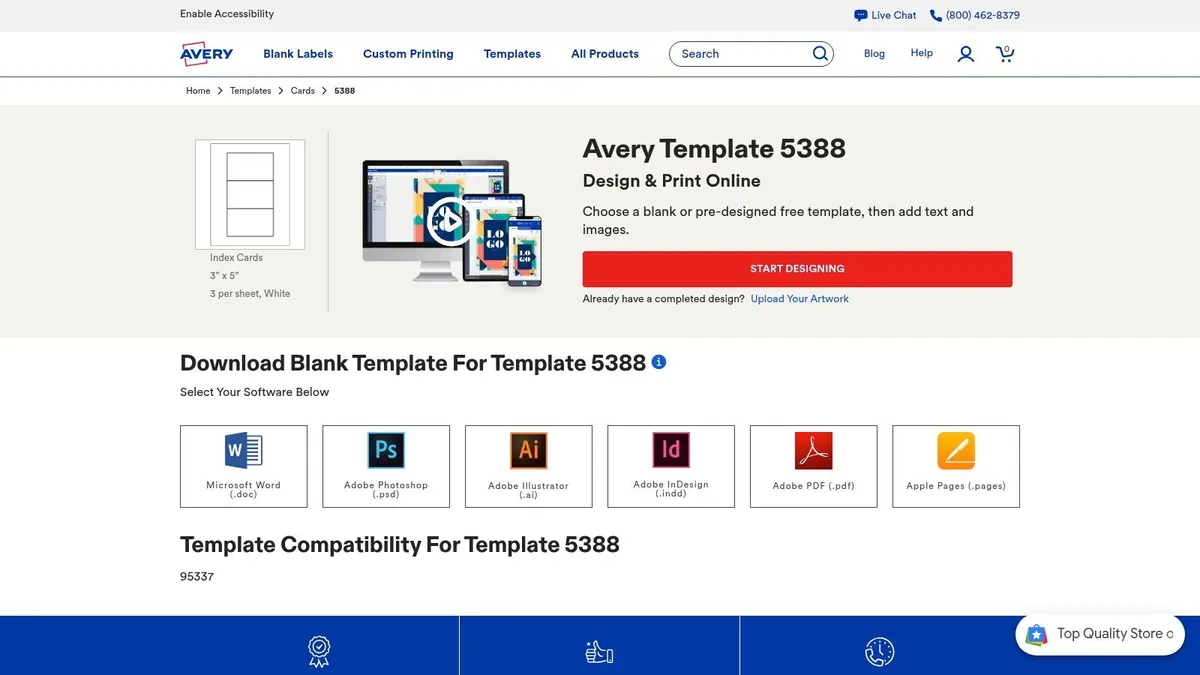
If your goal is physical cards that line up properly every single time, Avery's 5388 template is the practical choice. It's made for Avery 5388 index cards (3×5 inches, three to a sheet), a US product, so in the UK you may need to order the card stock online or pick an equivalent from Avery UK's own range and use its matching template. This is the least glamorous tool on the list and one of the most useful if you print in batches.
Mandarin learners often abandon paper cards because homemade layouts drift, double-sided prints don't align, or cutting takes too long. Avery fixes the alignment problem by tying the template to specific stock. If you know you want a stack of durable sentence cards for commuting or desk review, that predictability is worth a lot.
Best for high-volume printing
Avery is strong when you've already decided on your card format. For example, front side with hanzi sentence only. Back side with pinyin for the target word, short gloss, and one compact usage note. Once that structure is set, you can batch-produce cards without babysitting margins.
That's especially useful because retrieval practice works best when cards stay tight and reviewable. Broad, overloaded cards add friction, and many printable template galleries ignore that trade-off. Simpler cards get reviewed. Fancy cards get postponed.
Avery is a production tool. It won't teach you what to put on the card, but it will help you print a lot of cards cleanly once you know.
6. Notion Marketplace Flashcards
Notion appeals to a specific kind of learner. If your Mandarin notes, reading logs, podcast excerpts, and grammar examples already live there, a flashcards template inside the same workspace feels efficient. The Notion Marketplace has both free and paid flashcard templates.
That said, efficiency can be fake if the review step stays manual. Notion is excellent for collecting and organising sentence-mining material. On its own, it isn't great at deciding what you should review today.
Good notebook, incomplete flashcard system
For Chinese, Notion works best as a database behind the cards. You can create entries with fields like sentence, target word, pinyin, translation, source, grammar pattern, and status. That's a smart setup for learners who mine from multiple places and need a single repository.
Its strengths are obvious:
- Unified workspace: Notes, mined sentences, and study lists stay together.
- Easy duplication: Once you build one Chinese card structure, making more is painless.
- Flexible fields: You can tag by topic, HSK band, textbook chapter, or grammar point.
Its weakness is just as obvious. Review scheduling isn't native: some templates imitate spaced repetition with formulas, but you still have to decide when to review. So if your main problem is retaining Chinese sentences over time, Notion by itself won't solve it. It's a storage and organisation layer first.
I like Notion for curation. I don't trust it alone for daily Mandarin review. If you're disciplined, that may be enough. If you're not, your best sentence cards will sit in a beautiful database and never become automatic.
7. Noti Flashcards for Notion
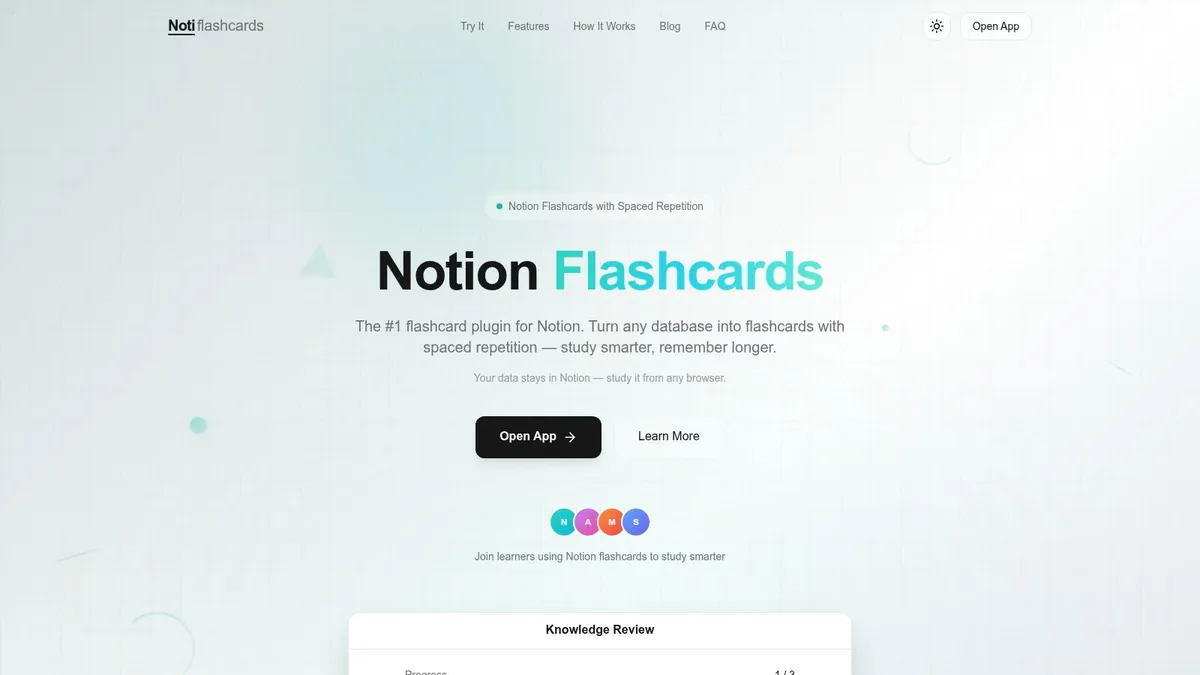
Noti is what makes the Notion route more serious. It turns your Notion database from organised storage into an actual review system, which is what many Mandarin learners were missing all along.
For sentence mining, that matters a lot. Chinese learners often collect too much and review too little. An SRS layer forces contact with the mined sentence again, which is where the learning happens.
Why this setup can work well for Mandarin
The attraction here is simple. You keep your content in Notion, but the scheduling happens in Noti's web app, which connects to your database, uses the FSRS spaced repetition algorithm and writes your review progress back to Notion. That means your sentence records, grammar tags, and study history don't have to live in separate tools.
If you already think in databases, Noti is a cleaner upgrade than rebuilding your whole Chinese deck from scratch elsewhere.
This is especially useful for sentence cards with richer structure. A front can show a natural Chinese sentence with one unknown item. The back can show a gloss, optional pinyin, audio, and a brief note about why the phrase works. That's far closer to effective Mandarin study than the old front-word/back-translation model.
If you want the theory behind why this matters, our explainer on what spaced repetition is gives the background. In practice, the value is simple. You stop relying on memory and start relying on a review system.
Noti still isn't the easiest possible workflow for beginners. It assumes you're comfortable inside Notion already. But for organised learners who want sentence-level Chinese review without abandoning their existing database, it's one of the more logical options.
8. SlideBazaar
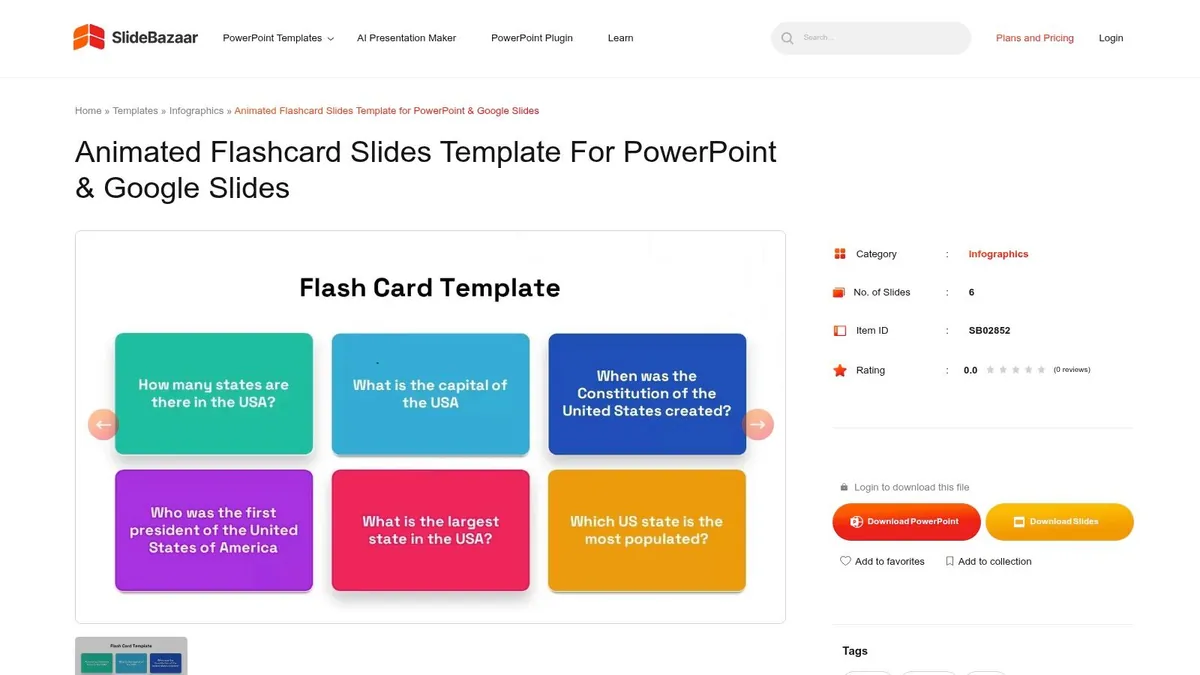
SlideBazaar is a presentation-template site first, not a study system. It has a free interactive flashcards template for PowerPoint as well as a paid animated one. That sounds like a criticism, but it isn't if you teach Mandarin or review with a group.
Animated reveal cards are useful in live sessions. You can show a sentence, pause for recall, then flip to pinyin, translation, or the missing word. For tutors running online lessons or classroom review, that's smoother than juggling static PDFs.
Best for teaching, not retention
For solo learners, SlideBazaar is usually overkill. You can make polished review decks, but you still won't have built-in spaced repetition or a particularly fast mining workflow.
Where it works well:
- Live Chinese classes: Reveal the back side after students read aloud or guess meaning.
- Speaking clubs: Use sentence prompts for quick oral translation or pattern drills.
- Shared review sessions: Keep the visuals clear without designing from scratch.
Where it doesn't:
- Daily personal review: Too much setup for too little retention support.
- Large mined corpora: Slides become unwieldy once you have many sentences.
- Fast capture: It's slower than a spreadsheet, app, or note database.
Use SlideBazaar when delivery matters. Don't use it as the backbone of your Mandarin memory system.
9. Template.net
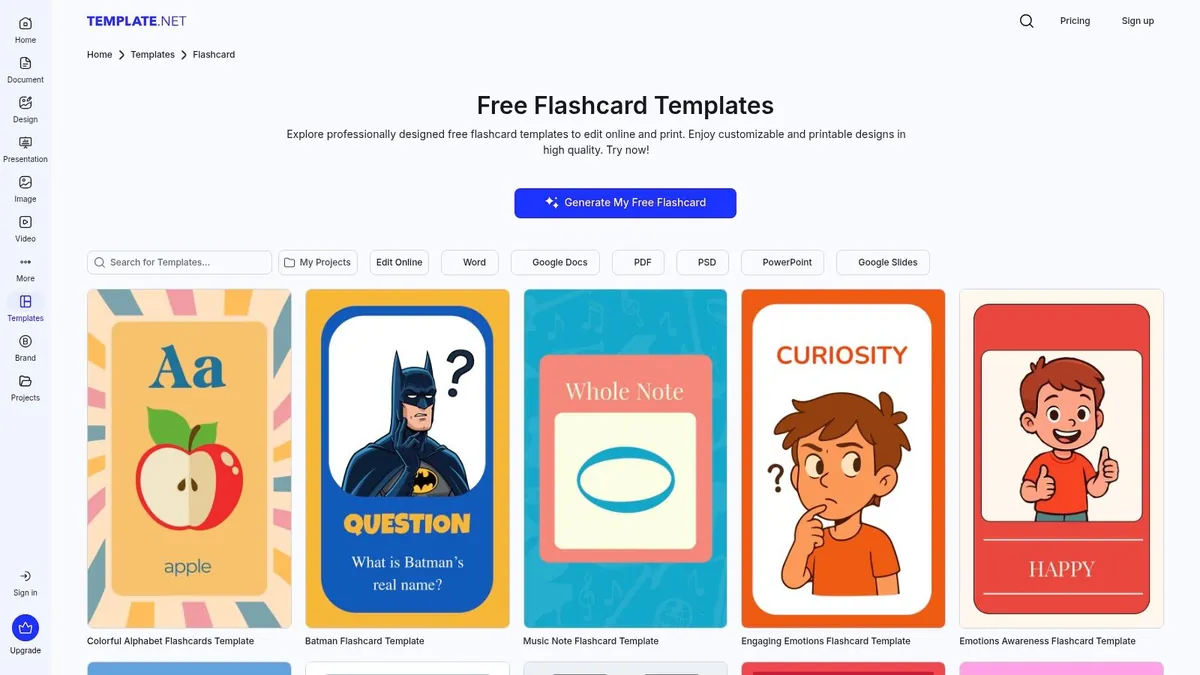
Template.net is the broad marketplace option. If you need a template in Word, Google Docs, PowerPoint, or PDF, it probably has one. That variety is both the selling point and the problem.
For Chinese study, the main question isn't whether you can find a flashcard design there. You can. The question is whether the design supports actual Mandarin review or just looks like generic school stationery.
What to watch out for
A lot of template libraries lean toward themed cards, kid-focused visuals, and decorative layouts. That's fine for some uses, but sentence mining benefits from restraint.
Here's what I'd look for before using any Template.net design for Mandarin:
- Enough room for hanzi: Chinese sentences need clean line breaks and legible size.
- Optional pinyin placement: It shouldn't overpower the characters.
- Minimal clutter: Icons and borders shouldn't compete with the text.
- Back-side discipline: Translation plus one useful note is usually enough.
Template.net has a mix of free and premium templates. It's useful when you need flexibility across formats. It's less useful if you want guidance on what a good Chinese sentence card should contain.
10. Flashcard Buddy
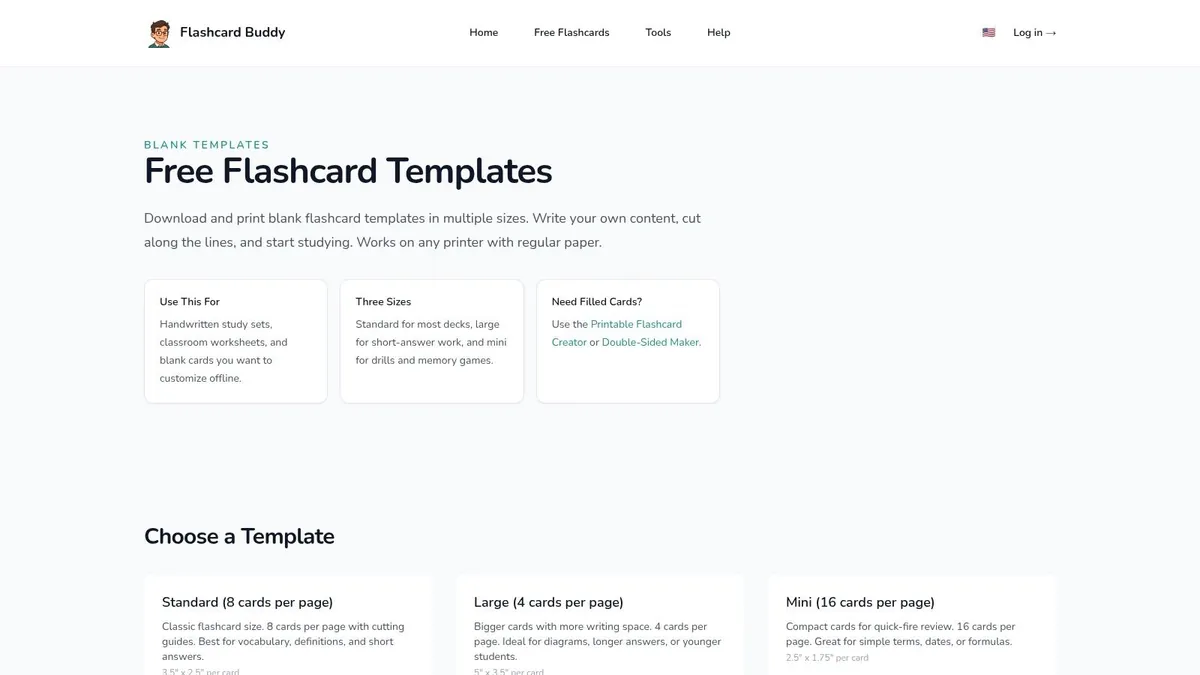
Flashcard Buddy is mainly an AI flashcard platform with free and paid plans, but its free printable tools do one thing well: you type your terms and it lays out plain, double-sided cards whose fronts and backs line up, without turning the process into a design project.
That's useful for Mandarin learners who already know what they want on a card and don't want a platform getting in the way. If your ideal format is very simple, such as sentence on the front, explanation on the back, this tool gets out of your way.
Best no-frills printable option
I'd use Flashcard Buddy for fast physical review sets. It's especially sensible if you're preparing cards for a specific short-term purpose, like a tutor session, a speaking club, or review of a reading passage.
Plain cards are often better for Chinese than pretty ones. You notice the sentence, not the template.
Its limitations are obvious and, for some learners, irrelevant. Printed cards have no SRS, and the tool gives no help with sentence selection. But sometimes that simplicity is exactly the point. If digital systems make you procrastinate, a blank printable template can be the more honest tool.
This kind of stripped-back approach also fits a wider truth about flashcard templates for Mandarin. The template itself rarely creates learning. It only removes friction. Once the formatting stops being a problem, the core work becomes choosing strong sentences, keeping each card focused, and reviewing them often enough to matter.
Top 10 Flashcard Template Comparison
| Tool | Target audience / USP | Core features | SRS & study workflow | Output / integration | Price |
|---|---|---|---|---|---|
| Canva – Flashcard maker and templates | Designers, teachers wanting polished printable/digital cards | Drag‑and‑drop editor, images/audio, hundreds of templates | No built‑in SRS | Export PDF, shareable digital files | Free tier; Pro for premium elements |
| Flippity – Google Sheets flashcard template | Spreadsheet users who want quick web cards | Copyable Google Sheets, multiple study modes (cards, typing, matching) | No SRS scheduler | Live web links, printable worksheets | Free |
| Wordwall – Flash cards template | Teachers needing varied classroom activities | 30+ activity types, one‑click template switching, community resources | No SRS | Printable PDFs, downloadable activities | Free Basic plan (a few activities); Standard/Pro subscriptions for unlimited activities and printing |
| Twinkl – Editable flashcard templates (UK) | UK teachers/home educators; curriculum‑aligned resources | Editable, printer‑friendly templates across key stages | No SRS | Ready‑to‑print files | Some free resources; paid membership for full access |
| Avery Template 5388 – Index card layout | Users doing mass physical printing on Avery stock | Exact Word/Design templates, printer alignment for 3×5 cards | No SRS | Designed for Avery 5388 stock; print on laser/inkjet | Templates free; Avery 5388 card stock (a US product) needed |
| Notion Marketplace – Flashcards templates | Notion users who want cards inside their workspace | Notion DB template, rich media, copy‑to‑workspace | No native SRS (manual or add‑ons) | Native Notion integration, cross‑device | Free and paid templates (Notion account required) |
| Noti Flashcards for Notion – SRS plugin | Notion users needing true spaced repetition | Maps Notion db to cards, supports media, writes progress back | Yes, FSRS algorithm, study scheduling | Keeps data in Notion; web app | Check the Noti website for current pricing |
| SlideBazaar – Animated Flashcard template | Presenters and teachers wanting polished on‑screen cards | Click‑to‑reveal flip animations, editable PPT/Slides layouts | No SRS | PowerPoint / Google Slides; export to PDF | Free interactive template; animated template is paid |
| Template.net – Flashcard templates | Office/Google app users needing format flexibility | Templates for Word/PPT/Google/PDF, online editor, AI helpers | No SRS | Multiple file formats for print or edit | Free & Premium options |
| Flashcard Buddy – Printable templates | Quick, no‑friction printable cards for classroom batches | Printable flashcard creator, double‑sided maker | No SRS | Printable double‑sided cards | Printable tools free; AI platform has paid plans |
From Template to Fluency
The best flashcard template tools for Chinese don't all solve the same problem. Canva and Template.net help with layout. Avery and Flashcard Buddy help with printing. Flippity helps when your mined sentences live in spreadsheets. Notion and Noti help if you want a database-driven workflow. Wordwall and SlideBazaar make more sense for teaching, tutoring, or group review than for long-term solo retention.
The bigger decision isn't which template gallery looks nicest. It's where friction appears in your Mandarin study. If you keep wasting time formatting, choose a tool with strong defaults. If your sentences are scattered across notes, choose a tool that centralises them. If your review habit keeps collapsing, stop prioritising template flexibility and start prioritising scheduling.
That last point matters most. Good Mandarin flashcards usually share the same traits. They're short. They stay in context. They teach one thing at a time. They return at the right moment. A lot of printable and editable tools help with the first part, but they stop before the memory part begins.
That's why sentence mining often feels so powerful when it's done well. You aren't just memorising 认识 (rènshi, to know or recognise) or 发现 (fāxiàn, to discover) as isolated dictionary items. You're seeing how they behave in real Chinese sentences, with natural word order, collocations, particles, and tone-bearing context. Over time, those repeated sentence encounters build grammar intuition alongside vocabulary.
The ideal setup is the one you will keep using. Some learners do best with printed cards in a jacket pocket. Others need a spreadsheet pipeline. Others want everything on mobile with no design work at all. There isn't one universal answer, but there is a clear pattern. The more your workflow reduces manual formatting and supports regular contextual review, the more likely your Chinese will move forward.
If that's the stage you're at, it may make sense to move beyond templates entirely. Mandarin Mosaic is built around sentence mining rather than isolated word cards. It presents sentences calibrated to your level, shows one new word at a time, includes built-in audio and dictionary support, tracks known and unknown vocabulary, and schedules review through spaced repetition. For learners who like the logic behind flashcards but are tired of assembling the whole system manually, that's a more direct fit than patching together separate template, note, and review tools.
If you want a Mandarin flashcard system that starts with real sentences instead of blank templates, take a look at Mandarin Mosaic. It's designed for Chinese sentence mining with built-in review, audio, dictionary support, and progress tracking, so you can spend less time formatting cards and more time learning from them.